
WordPress Malware SEO Recovery: Real Case Study
WordPress malware SEO recovery is not the same thing as simply removing malware from a website. A hacked WordPress site can lose Google visibility, generate spam URLs, trigger security warnings, and leave behind technical SEO problems even after the visible infection is gone.
We saw this first-hand with a tire wholesale brand whose website had been compromised and deindexed. Cleaning the website was only the first step. We then had to work through the SEO damage, technical issues, search relevance, and authority needed to bring organic visibility back.
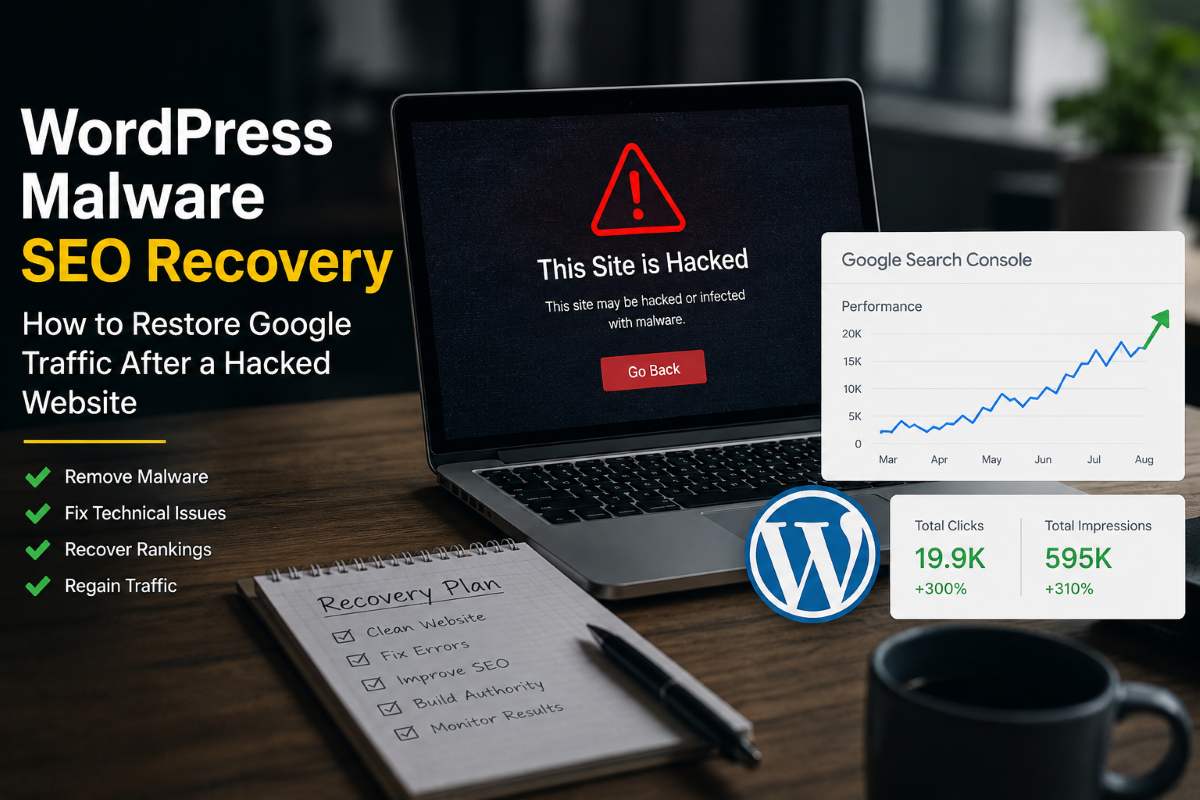
Within six months, the website generated 19.9K clicks and 595K impressions, with 300% organic growth and a 45% increase in dealer registrations.
Read the full case study → Driving Growth for a Tire Wholesale Brand After Malware Attack
Why does a malware attack affect SEO?
A malware attack can change the website Google crawls and evaluates. An attacker may create spam pages, inject links, modify existing content, add redirects, change files, or create technical problems that prevent important pages from being crawled correctly.
Google also has systems that detect hacked content and security problems. Depending on what Google finds, users may see security warnings or the site’s visibility may be affected.
That is why a website can look normal to the owner while its organic search performance is still damaged.
How do you diagnose SEO damage after a WordPress malware attack?
Start with the timeline. Compare the date the malware was discovered with the date organic impressions and clicks changed in Google Search Console and analytics.
Then look for signs that connect the attack with the visibility loss.
Check Google Search Console
In Search Console, review the Security & Manual Actions area. Check Security Issues for hacked-content warnings and Manual Actions for any actions Google has applied.
Also review the Coverage and Performance reports. Look for sudden changes in indexed pages, impressions, clicks, queries, and landing pages. Use the site:yourdomain.com search operator in Google to quickly spot unexpected indexed URLs.
Do not assume every traffic drop is caused by malware. The goal is to establish evidence before deciding what to fix.
Check Google Safe Browsing
If you suspect the site is distributing malware or showing unsafe behaviour, check Google’s Safe Browsing status and the warnings reported by browsers or security tools. A security warning is different from a normal ranking decline, so treat it as an incident that needs to be resolved before focusing on growth.
Check indexed URLs with a site search
A simple Google search such as site:yourdomain.com can reveal unexpected pages that Google knows about. Look for strange URL patterns, unfamiliar folders, foreign-language spam, pharmaceutical or gambling pages, and other content that does not belong to the business. This is not a complete indexing audit, but it is a useful first check.
Check the website with security tools
Common tools include Wordfence, Sucuri, Quttera, and remote scanners such as SiteCheck. WordPress’s own hacked-site guidance recommends using more than one method when investigating a compromised site.
A scanner is useful, but it should not be treated as proof that the site is completely clean. Server files, the database, administrator accounts, redirects, and access credentials may also need investigation.
What should you fix before starting SEO recovery?
Security comes first. If the website is still compromised, publishing content or building backlinks will not solve the underlying problem.
Document what happened, take an appropriate backup or snapshot, review access, remove the compromise, update WordPress and vulnerable components, and investigate how the attacker got in.
WordPress’s own hacked-site guidance recommends documenting the incident, scanning the site, checking with the host, improving access controls, creating backups, finding and removing the hack, updating the installation, and investigating the attack vector.
How should you handle malicious URLs?
Separate URLs into three groups: legitimate pages, malicious pages, and legitimate pages that were modified or damaged.
- Legitimate URLs: Keep them and make sure they are healthy.
- Malicious URLs with no legitimate purpose: Remove them properly using a 404 or 410 Gone response.
- Legitimate URLs that were modified or damaged: Restore and optimise them.
Do not redirect every spam URL to the homepage. A redirect should normally point users to a genuinely relevant replacement. If a malicious URL has no valid destination, handle it as a removed URL.
What is 410 Gone and when should you use it?
A 410 Gone response indicates that a resource has been permanently removed and is not expected to return. In a malware cleanup, it can be useful for malicious URLs that have no valid replacement.
The important part is identifying the URL correctly before returning 410. Do not use it on legitimate pages that simply need SEO or technical repair. In our tire wholesale recovery project, 410 responses were used for confirmed malicious URLs as part of the cleanup before resubmitting the site to Google.
Should you disavow backlinks after a malware attack?
Usually, not as the first response. If malware created spam pages or links, the priority is to clean the website and understand what happened. Google’s disavow tool is intended for specific unnatural-link situations and should not become a routine part of every hacked-site recovery.
Investigate the links first. Do not disavow a large list simply because it looks unfamiliar.
Technical SEO checks after cleanup
Once the website is clean, crawl it like a search engine. Use Screaming Frog or a similar crawler to check:
- Important pages return 200 status codes
- The XML sitemap contains the correct canonical URLs
- robots.txt does not block anything important
- Canonical tags point to the intended pages
- Internal links connect important pages correctly
- Redirects are pointing to relevant, legitimate destinations — check for any redirects that only trigger for Googlebot or mobile users
- Structured data is present, correct, and validated
- Title tags and meta descriptions are intact
For performance, use Google PageSpeed Insights and review Core Web Vitals in Search Console. A malware recovery is a good opportunity to identify technical problems that may have existed before the attack.
What tools can help with WordPress malware SEO recovery?
A practical recovery stack includes:
- Google Search Console — Security issues, indexing, queries, clicks, and impressions
- Google Safe Browsing — Security status check
- Wordfence or Sucuri — WordPress security scanning
- Screaming Frog — Crawl, status codes, redirects, canonical tags, metadata, and internal links
- PageSpeed Insights — Performance and Core Web Vitals
- Server logs and hosting tools — Deeper access-level investigation
- Google Analytics — Traffic and conversion trend monitoring
No single tool tells the whole story. The value comes from comparing the signals across all of them.
Real WordPress Malware SEO Recovery: Tire Wholesale Brand Case Study
The tire wholesale brand came to us after a malware attack had compromised the website and caused it to be deindexed. At the same time, the site had technical SEO problems including slow speeds, broken links, and missing structured data. The business also had a commercial problem: weak search visibility was limiting dealer registrations.
We treated the project as a recovery and growth campaign rather than a simple malware cleanup.
Step 1: Security and URL cleanup
Malicious URLs were handled with 410 responses, a full security audit was completed, and the cleaned website was resubmitted to Google via Search Console.
Step 2: Technical SEO foundation
Image compression and caching were used to improve performance. Broken links were repaired, structured data was added site-wide, and crawlability issues were resolved.
Step 3: Search relevance and content
The SEO strategy shifted to wholesale search intent. Headings and site-wide metadata were improved, internal linking was strengthened, content was created around dealer concerns and industry questions, and registration landing pages were developed.
Step 4: Authority building
More than 150 niche-relevant backlinks were built, including automotive guest posts and business listings. The focus was on relevance rather than volume.
Step 5: Monitoring
Performance was tracked monthly through Google Search Console, keyword rankings, traffic reporting, and conversion data.
Six-month results
- 19.9K total organic clicks
- 595K total impressions
- 300% organic growth
- 45% increase in dealer registrations
- 3.3% average CTR
- 21.3 average search position
The key lesson: the malware cleanup alone was not the growth strategy. The site also needed its technical foundation, search relevance, content, internal linking, and authority rebuilt.
View the full case study: Driving Growth for a Tire Wholesale Brand After Malware Attack →
How long does WordPress malware SEO recovery take?
There is no reliable fixed timeline. Recovery depends on:
- How long the site was compromised
- How many URLs were affected
- Whether Google detected security problems or issued a manual action
- Whether the site was deindexed
- The site’s existing authority
- Technical health and content quality
- How quickly Google recrawls the cleaned pages
Instead of expecting a specific number of days, track impressions, clicks, rankings, indexed pages, organic leads, and conversions over time. Impressions usually recover before clicks, and clicks before conversions.
What should you avoid after a malware attack?
- Don’t publish large amounts of content just because traffic dropped.
- Don’t buy backlinks before fixing security and technical problems.
- Don’t redirect every spam URL to the homepage. Handle malicious URLs as removed resources.
- Don’t delete URLs without confirming they are malicious.
- Don’t assume the site is fixed because the homepage looks normal.
The correct sequence: Diagnosis → Security cleanup → URL/indexing cleanup → Technical SEO → Content and search relevance → Authority → Ongoing monitoring.
Frequently Asked Questions
Final Takeaway
A WordPress malware attack can be a serious SEO setback, but a traffic loss does not automatically mean the website is beyond recovery.
The right approach is to understand what happened, secure the website, identify malicious URLs, check Google Search Console and Safe Browsing signals, repair technical SEO problems, rebuild search relevance, and monitor the recovery using both traffic and business metrics.
Our tire wholesale case showed why these steps need to work together. The website moved from a malware-related visibility problem to 19.9K clicks, 595K impressions, 300% organic growth, and a 45% increase in dealer registrations within six months.
If your website has lost Google traffic after a malware attack, the first step is not guessing. It is finding out what changed.
Schedule a consultation with SEO Specialist USA to review your website and recovery priorities →