
A local SEO checklist helps you find problems that stop nearby customers from discovering, trusting or contacting your business. Check your Google Business Profile first, then review local service pages, business listings, customer reviews and lead tracking. The 32 checks below explain what to examine, how to verify it and which fixes deserve attention first.
Key takeaways
- Accurate business information matters more than filling every optional field or publishing more pages.
- Google describes local ranking through relevance, distance and prominence; no single checklist item guarantees a place in the map results.
- Check the experience as a customer would: search, compare, call, book and visit.
- A useful location page proves that the business genuinely serves the place it names.
- Reviews should reflect real experiences. Buying reviews or filtering out unhappy customers creates policy risk.
- The best audit ends with evidence, an assigned owner and a recheck date, not a percentage score alone.
Start with the customer journey, not an SEO tool
Imagine a hypothetical heating company that has been operating for 12 years. Its Google listing is verified and its website looks professional. Yet people from the next town call only to ask if the company covers their neighborhood. Other callers report a number that rings unanswered. The company thinks it needs new blog posts; the actual problems are service-area clarity, inaccurate contact information and a broken route from search to enquiry.
That is why this guide checks both visibility and usability. A business can’t call its local SEO successful if it appears in a search result but customers cannot determine its hours, location or next step. We use 32 checks grouped into 4 stages, starting with the most costly mistakes to leave unresolved.
How to use the SEO Specialist USA audit framework
Record 4 things for each check: the finding, the proof, the person responsible and the next review date.
Use Pass, Fix, Not verified or Not applicable as the status.
A screenshot of the live listing, a tested URL or dated notes from an internal test call is stronger evidence than an untested assumption. Avoid retaining personal customer information unnecessarily.
- Pass: You checked the live experience and it works — Record evidence and review date
- Fix: A confirmed problem may affect customers or discoverability — Describe the repair and assign an owner
- Not verified: Access or evidence is missing — Get access; don’t assume a pass
- Not applicable: The feature doesn’t fit this business model — Record why the check was excluded
Optional completion score: Passed applicable checks ÷ all applicable checks × 100.
For example, 23 passes across 29 applicable checks equals approximately 79%, which measures audit completion against our criteria, not Google ranking potential.
A score of 95% still deserves urgent work if the remaining failure is a disconnected business phone.
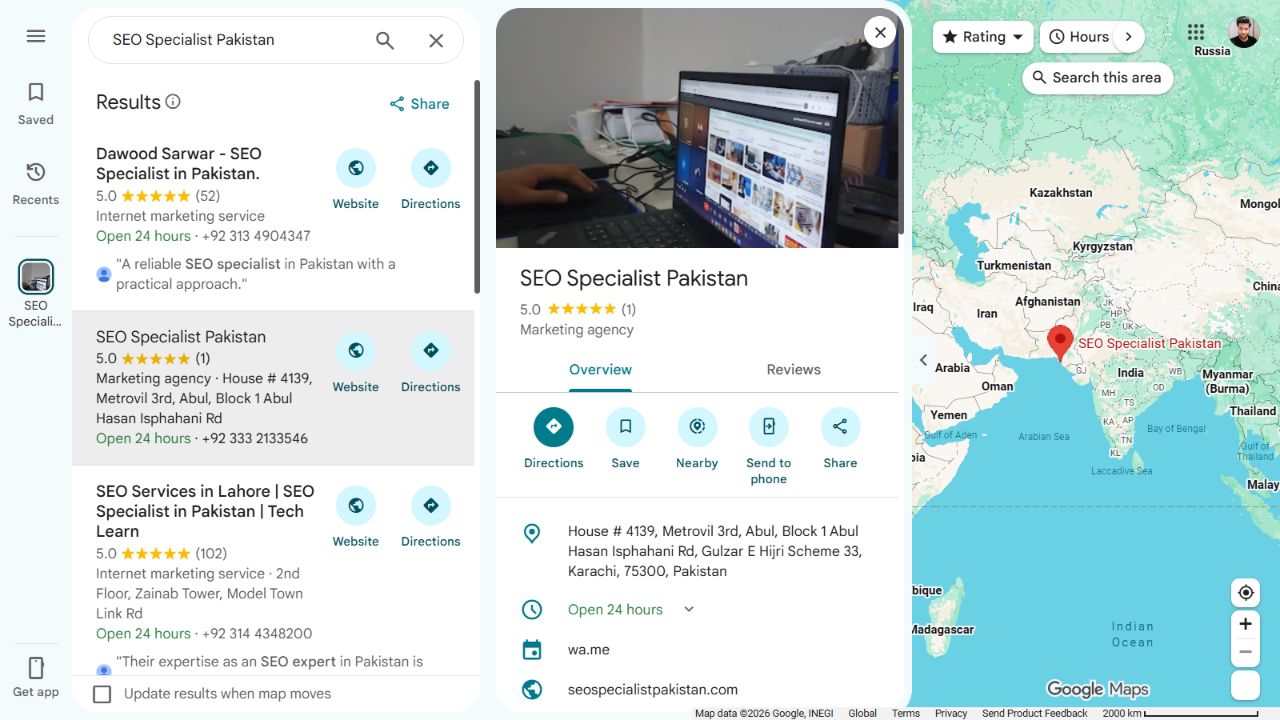
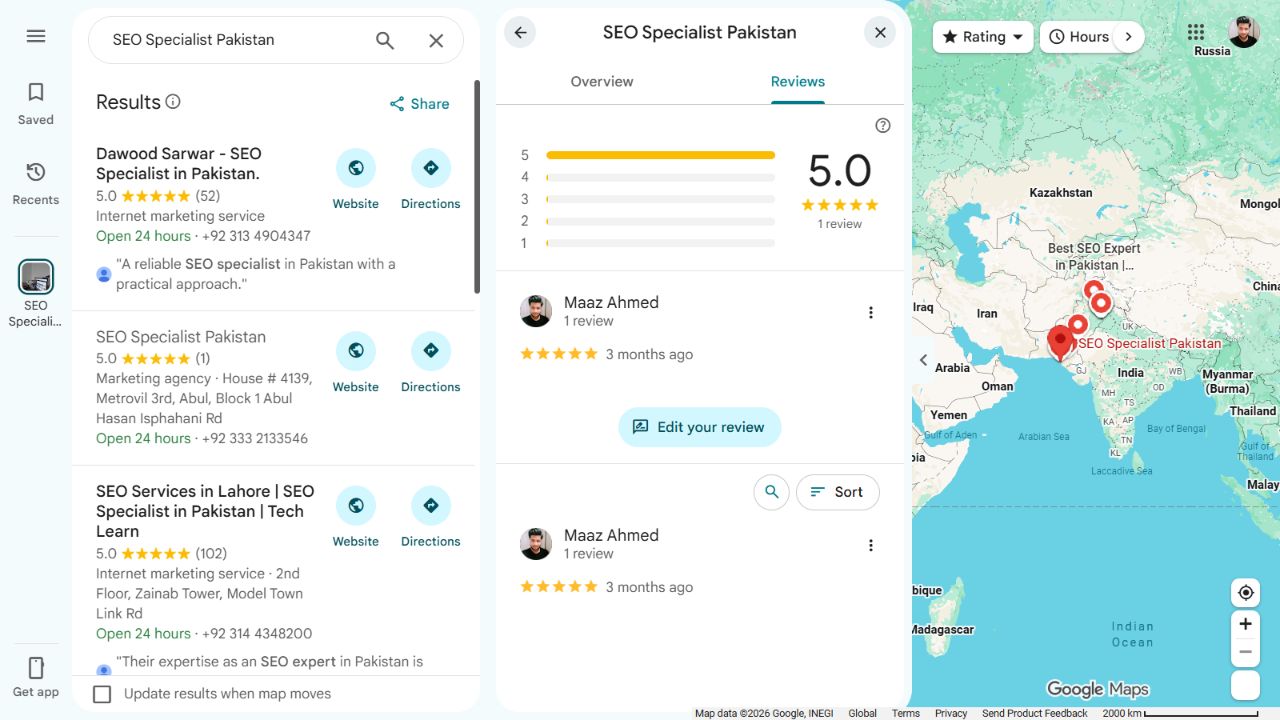
About the examples: Public screenshots use SEO Specialist Pakistan’s listing and website to show where information appears. They are teaching examples, not a completed audit or proof that the business passes every check. Illustrative audit diagrams explain checks that require private access. Screenshots reflect the interface on October 10, 2026; controls and availability may differ by account and location.
Part 1: Audit your Google Business Profile
Google says local rankings mainly reflect relevance, distance and prominence. A complete listing helps the search engine understand what a business does, but it can’t make an office physically closer to every searcher. Google doesn’t sell better organic local rankings. The checks below focus on accurate representation rather than attempts to game distance or name fields.
Google’s local ranking guidance.
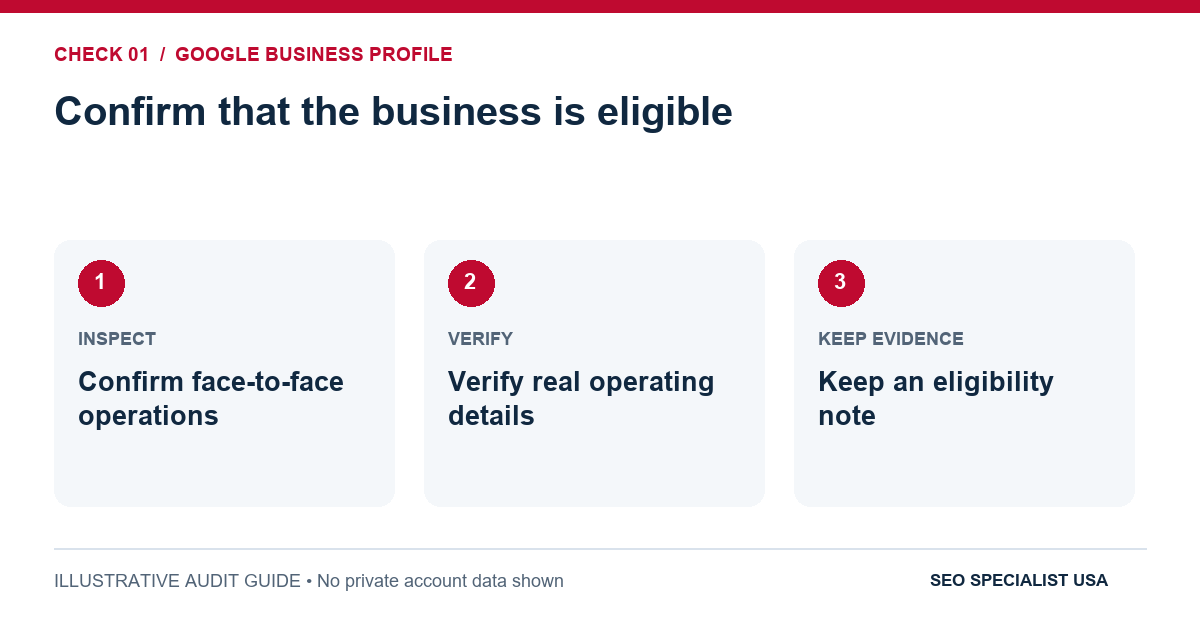
1. Confirm that the business is eligible
A business generally needs in-person customer contact during its stated hours to qualify for a Business Profile. An online-only company without eligible face-to-face operations should not create a fictitious local storefront. For a home-service provider, the relevant question is whether employees actually visit customers, not whether the company owns a public office.
Evidence to keep: A written description of how and where customers meet the business, supported by genuine operating details.
2. Verify ownership and account access
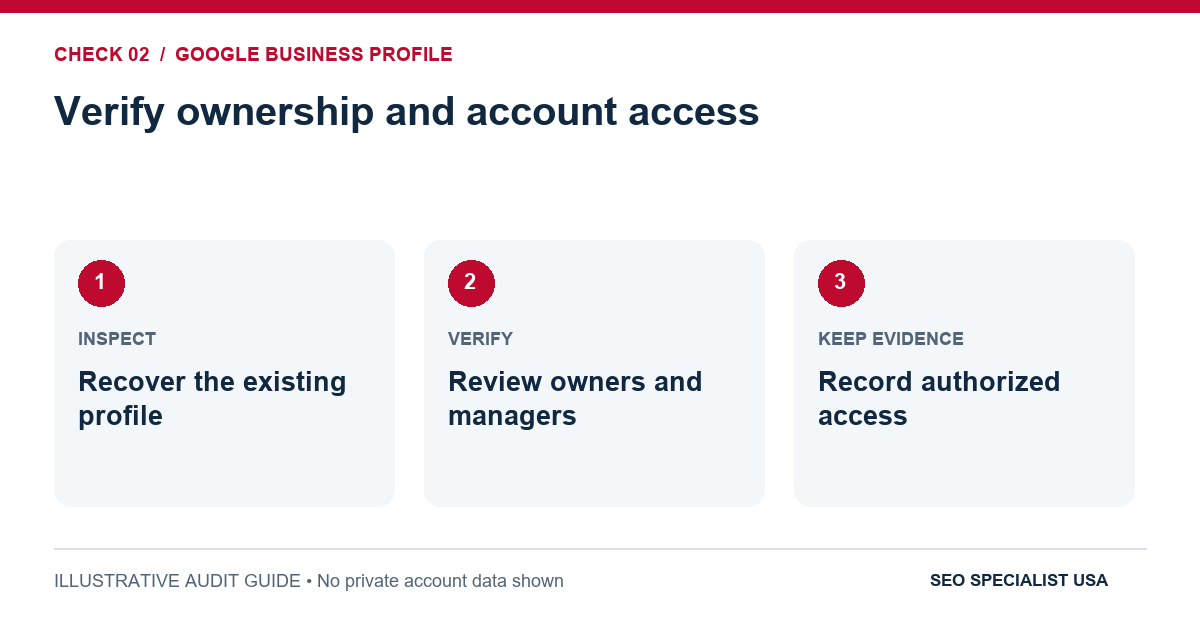
Check that the profile is verified and that the business retains appropriate owner access. Identify former agencies or employees who still have permissions they no longer need. Don’t rebuild a listing simply because a login has been misplaced; recover legitimate access and check for duplicates first.
Evidence to keep: Current verification status, the authorized owner and a list of active managers.
3. Use the real business name
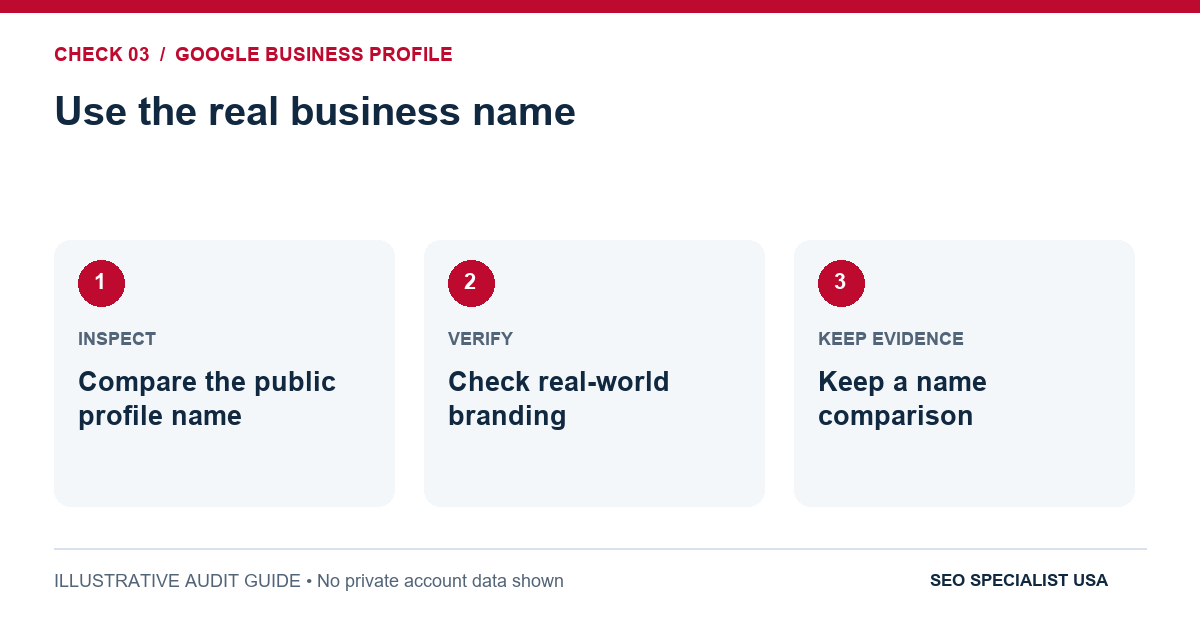
Search for the listing exactly as a customer sees it. The name should match real-world branding, not contain added keywords such as “Best Emergency Plumber Dallas” unless those words genuinely belong to the business name. Keyword-stuffed names can violate Google’s rules.
Evidence to keep: A comparison of listing name with storefront signage, invoices and business website.
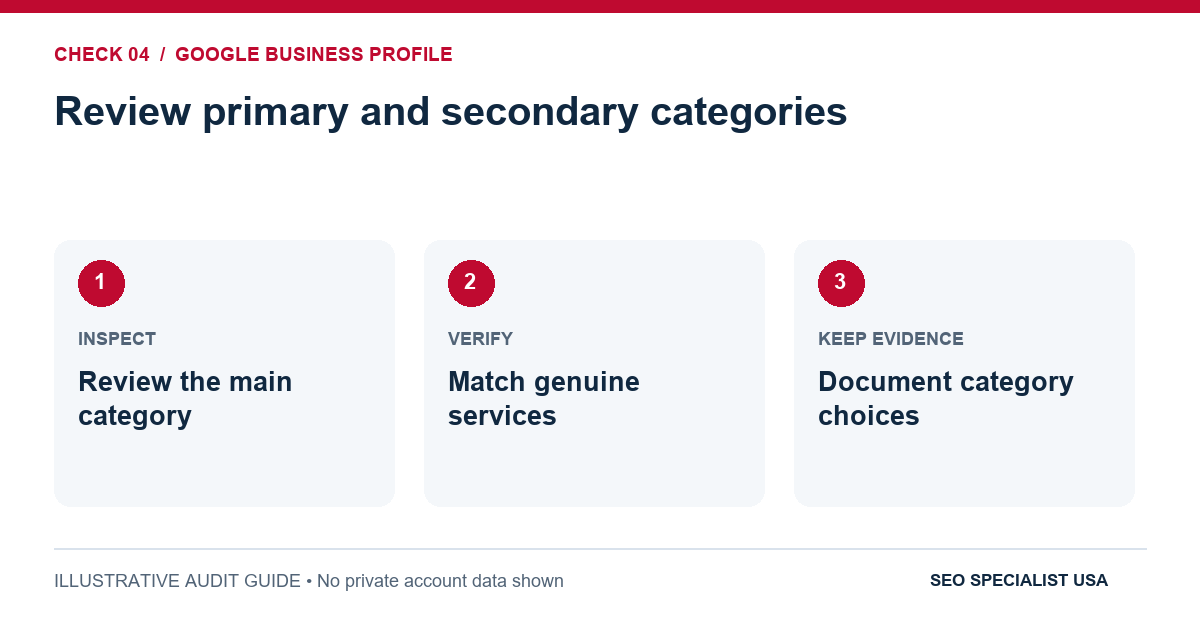
4. Review primary and secondary categories
The primary category should describe the main business, not the broadest or most popular keyword. A company repairing roofs should not pick unrelated categories simply to appear for more searches. Add secondary categories only when they accurately reflect genuine activities.
Evidence to keep: Current category selection beside the actual service list and competitor-independent business description.
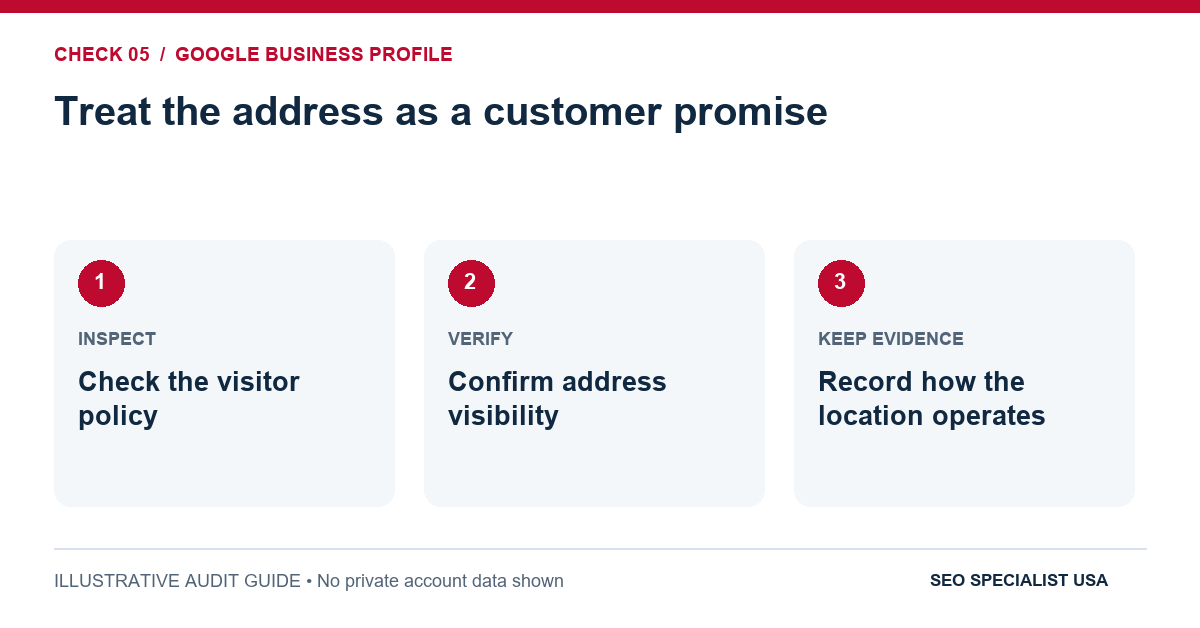
5. Treat the address as a customer promise
A staffed shop that welcomes visitors should display the correct address. A service-area business working from a home address and not receiving customers there should generally hide that address. Renting a mailbox or virtual office doesn’t create an eligible storefront.
Evidence to keep: A customer-visit policy, correct address configuration and evidence the location operates as described.
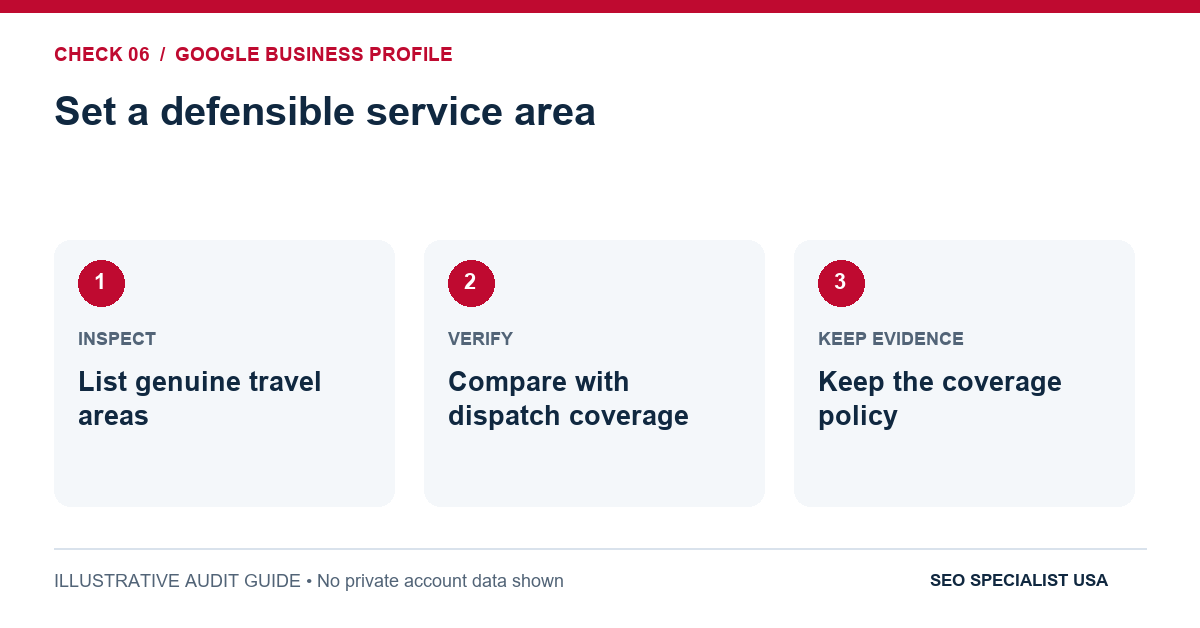
6. Set a defensible service area
List towns or postal areas where staff truly travel. Don’t expand the area just to capture every nearby city. Google’s representation guidance generally expects a service area to remain within about two hours’ driving distance of the business base, with exceptions for some operations. This is guidance about legitimate coverage, not a ranking radius.
Evidence to keep: Dispatch records or service policy confirming the places listed.
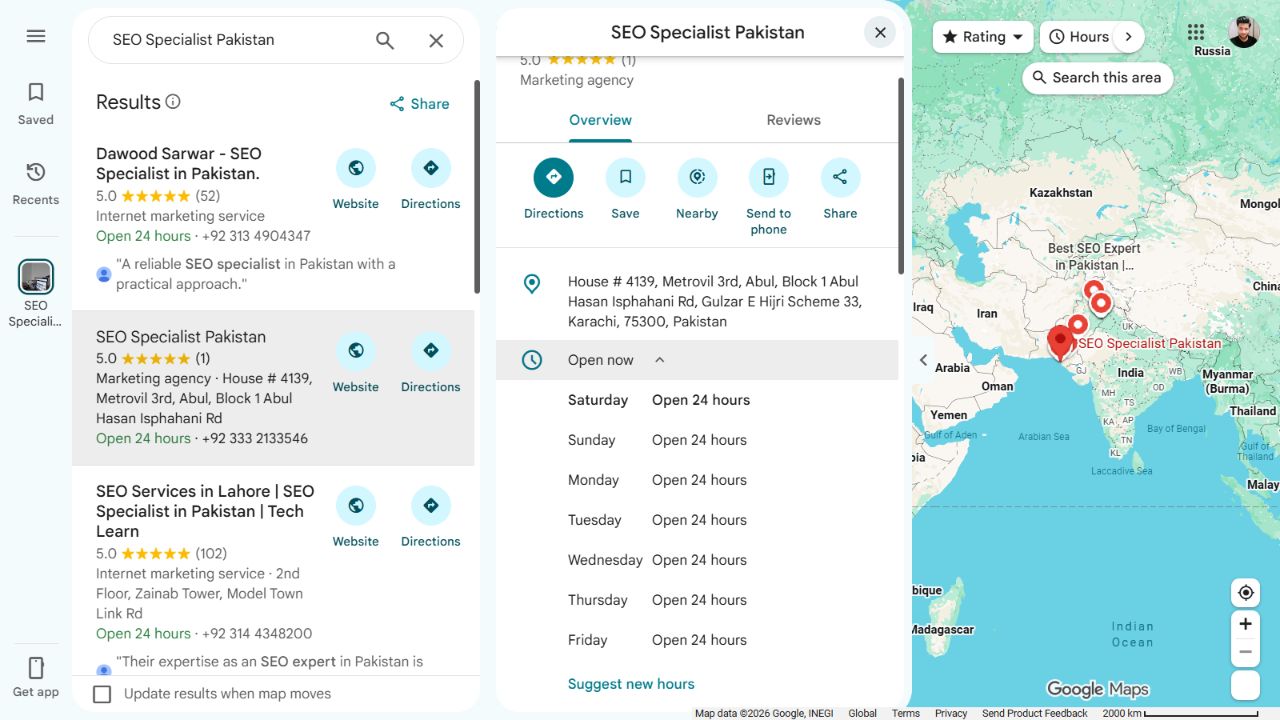
7. Test hours, phone and destination links
Call the published number, open the website link from a phone and inspect booking links where offered. Check holiday hours before closures create frustrated journeys. A wrong number can cost a sale today, regardless of rankings.
Evidence to keep: A successful test call, working URL and current regular/special hours.
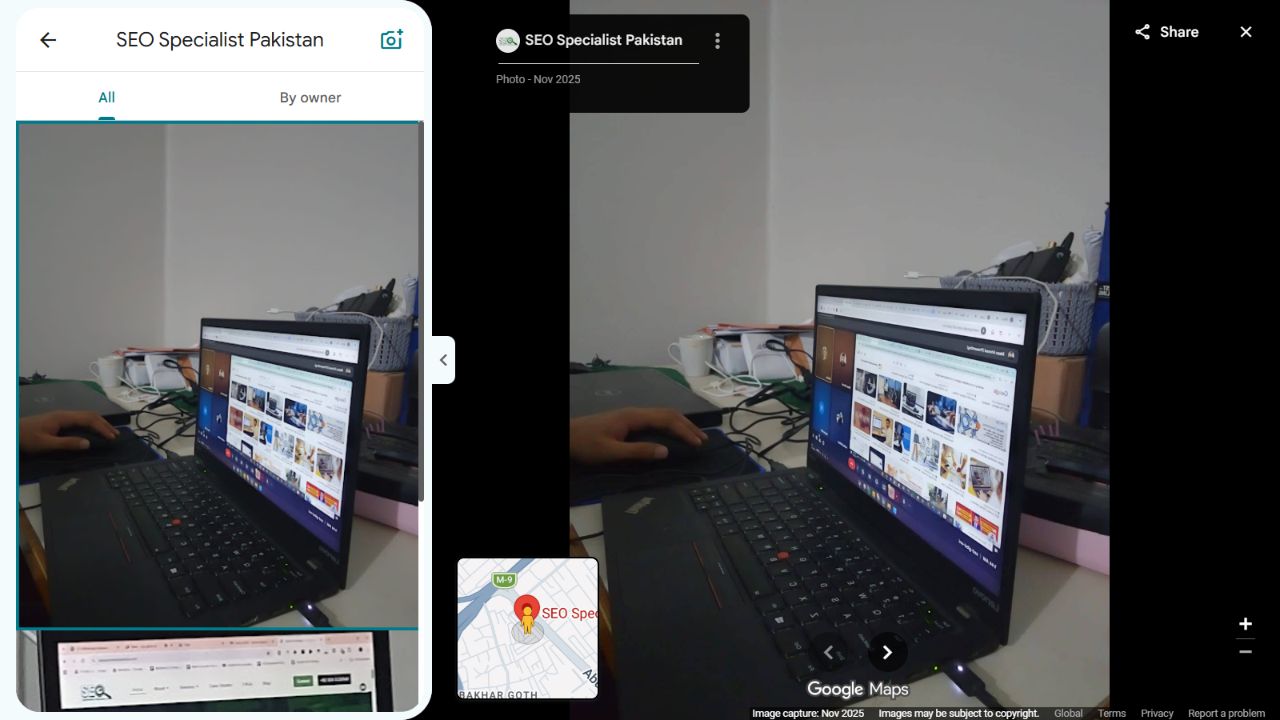
8. Complete details that help someone decide
Describe the services in plain language and add applicable attributes, recent photographs and service information. Photograph real people, equipment and locations when appropriate; stock pictures presented as local premises may mislead. The purpose is to reduce uncertainty, not maintain an arbitrary posting schedule.
Evidence to keep: A current profile review comparing services, images and attributes with what the business actually offers.
Approval check: Could a first-time customer use the listing to find the right company, understand where it operates and make contact without being misled?
If you need help beyond the checklist, explore SEO Specialist USA’s local SEO services and discuss profile accuracy alongside website improvements.
Part 2: Make the website useful for local searches
The website carries information a small profile can’t: specific services, qualifying details, pricing considerations, access arrangements and proof of work. One homepage can support a small operation, but it rarely answers every high-intent question for a business with several distinct services.
Create pages when they clarify a real decision, not because a keyword list contains 40 city variations.
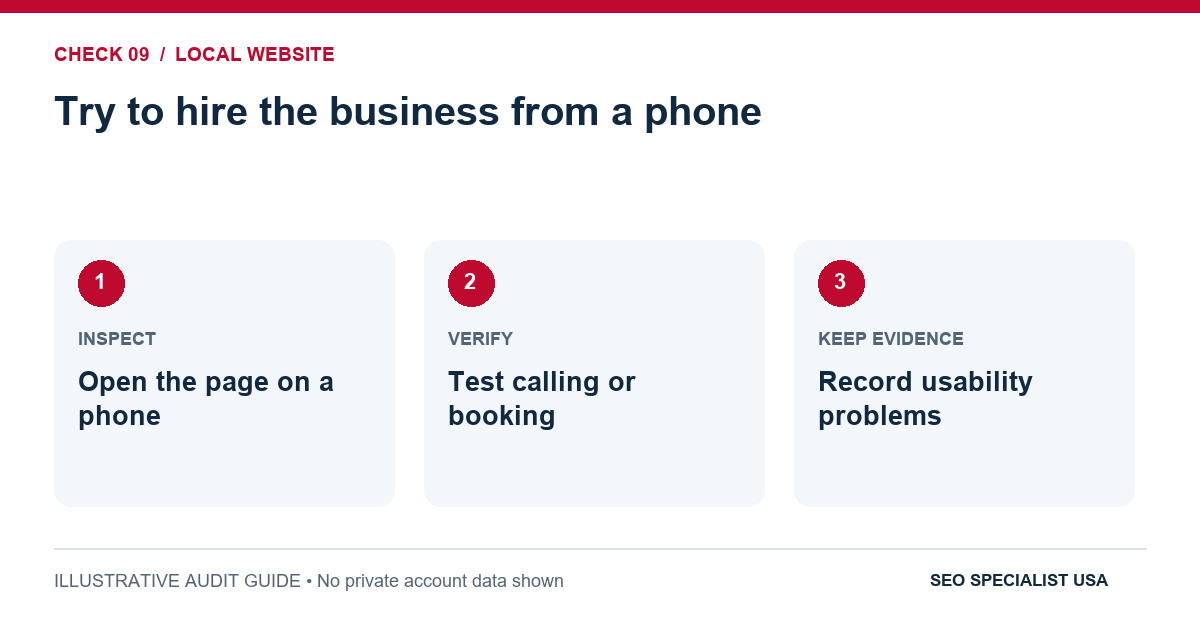
9. Try to hire the business from a phone
Open the main service page on a real phone.
Can you understand the offer and find a working call or booking action without zooming, hunting through menus or dismissing repeated popups?
Ask someone unfamiliar with the business to try the same test.
Evidence to keep: Mobile test notes and a completed test enquiry.

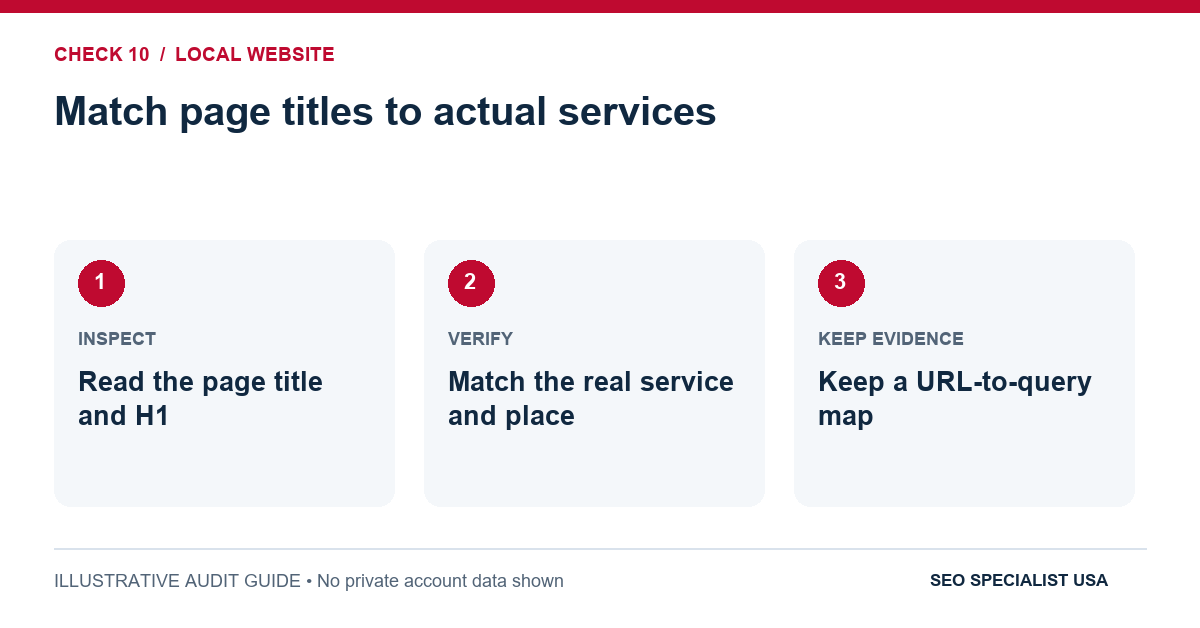
10. Match page titles to actual services
Inspect the title and main heading for the homepage and the most important service pages.
Write them for a user who needs a service in a place, rather than forcing the city into every phrase. A concise “Boiler Repair in Bristol” is clearer than a title repeating Bristol four times.
Evidence to keep: A URL-to-query map with page titles and H1s that accurately describe each page.
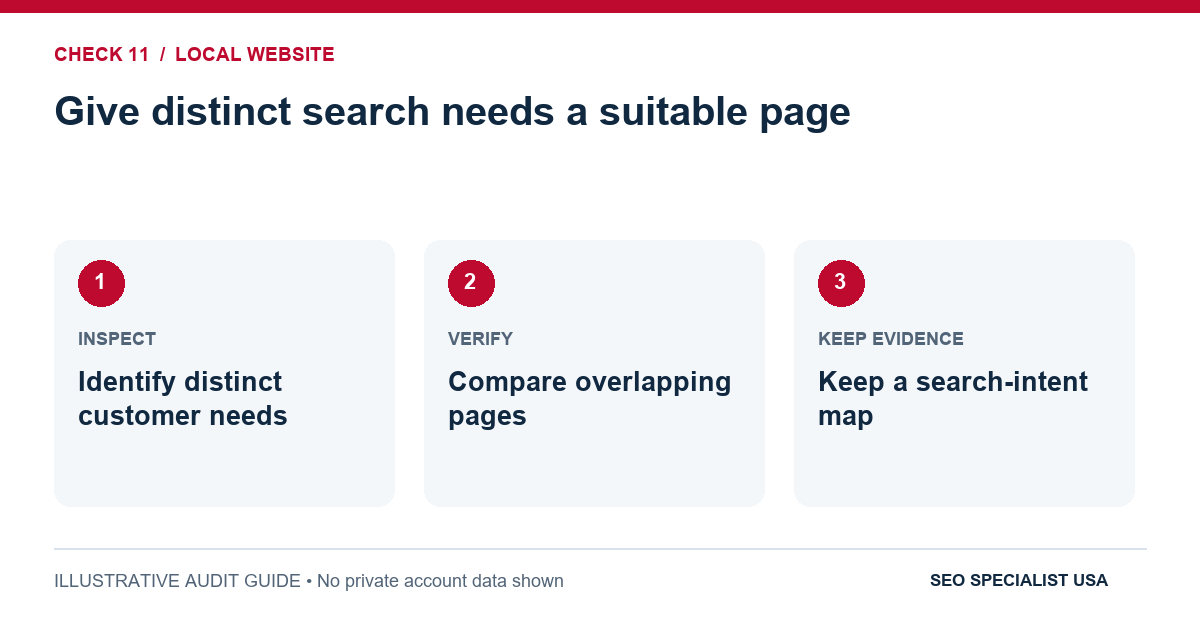
11. Give distinct search needs a suitable page
Emergency repairs, routine maintenance and installation can require different information. If customers need different evidence to make a decision, separate pages may make sense. If two pages answer the same question with slightly different wording, consolidate or improve them.
Evidence to keep: A short search-intent map showing the main query and job of each important page.
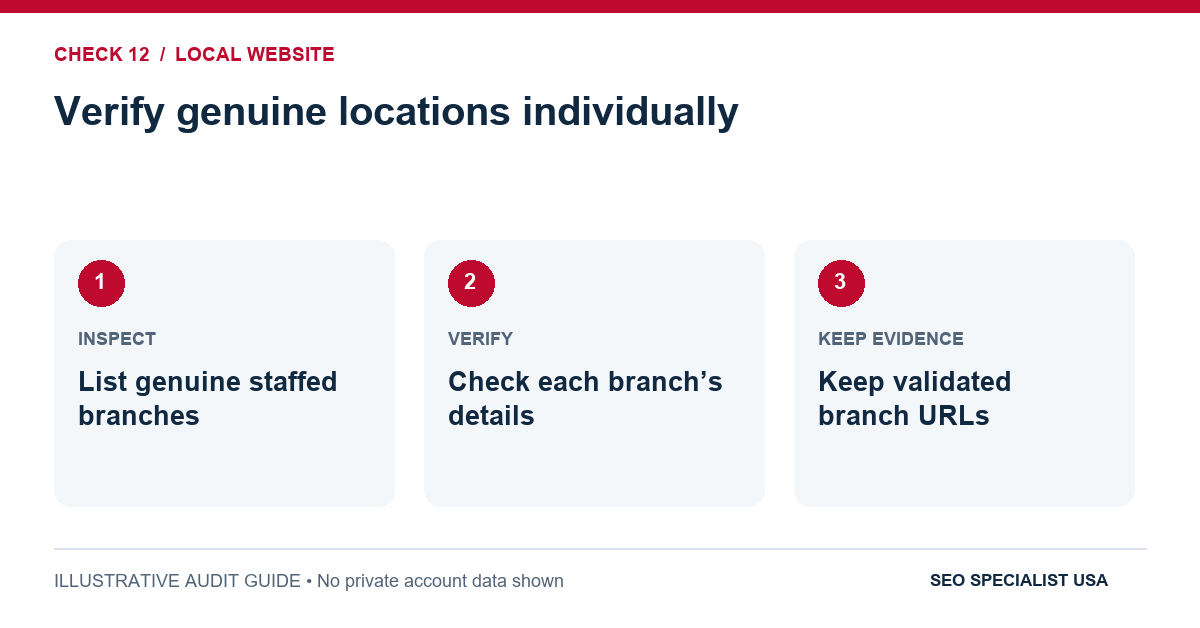
12. Verify genuine locations individually
For a business with three staffed branches, check the contact information, hours, directions and on-site details of each branch page. Branch information must match the real operation. Don’t represent a service-area landing page as a physical office.
Evidence to keep: One validated URL and accurate location details for each real branch.
13. Make service-area pages substantively different
A landscaping firm covering neighboring towns might explain local project types, travel or scheduling conditions, available services and genuine examples where available. Merely swapping a city name throughout the same template provides little value and can create doorway-page risk.
Evidence to keep: A comparison of candidate city pages showing information that remains useful even after city names are removed.
14. Confirm Google can discover important pages
Use Google Search Console URL Inspection and a crawl to look for unintended noindex tags, blocked URLs, broken redirects, misleading canonicals and orphaned service pages. An XML sitemap helps discovery, but inclusion in a sitemap doesn’t guarantee indexing.
Evidence to keep: Search Console inspection results and crawl findings for the priority service/location URLs.
15. Connect services, locations and contact information
Link naturally from the homepage to primary services, from service pages to genuine location pages, and from useful answers to the relevant service. Internal links should help customers navigate, not form long blocks of repeated city anchors.
Evidence to keep: A navigation test showing important pages can be reached through sensible internal links.
16. Check speed, accessibility and conversion paths
Test tap targets, readable text, keyboard access and forms. For field performance, Google’s good Core Web Vitals thresholds are LCP of two and a half seconds or less, INP of 200 milliseconds or less, and CLS of one tenth or less at the 75th percentile. A passing score will not compensate for a broken contact form.
Evidence to keep: Mobile form test, basic accessibility review and available Core Web Vitals field data.
For the deeper indexing and performance checks, use our technical SEO checklist. Google’s Core Web Vitals documentation explains the published thresholds.
When should a local landing page exist?
A dentist with offices in two towns can usually justify two location pages: each office has its own address, staff, hours and directions.
A contractor based in one town may still benefit from explaining coverage in adjacent areas, but creating a separate near-identical page for every postal code is not automatically helpful. Begin with the customer question. What would somebody from this place need to know that another page doesn’t already answer?
A practical editorial test is to remove the location name. If the page has no substantive information left, it probably needs first-hand details, useful service-specific answers or consolidation. Don’t invent local projects, testimonials or offices to make it seem unique.
Part 3: Check reviews and information across the web
Prospective customers rarely judge a business from its website alone. They compare opening hours, reviews, photographs, licenses where relevant and directory entries.
Google also identifies review signals and links among the information that can influence local prominence. That doesn’t mean the fastest route is to buy reviews or send the business to hundreds of directories.
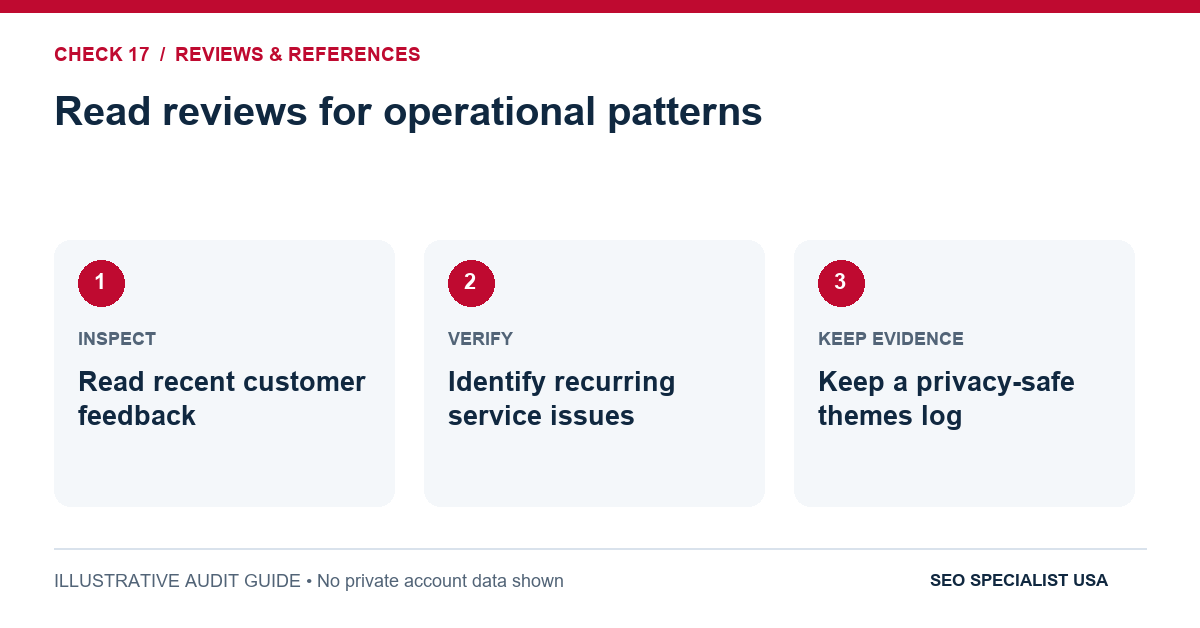
17. Read reviews for operational patterns
Sort recent feedback and look for repeated issues: unanswered calls, delayed appointments, unexpected fees or an address customers cannot find. A complaint about missed service might reveal more immediate business value than another keyword opportunity.
Evidence to keep: A short themes log that protects customer privacy and identifies the responsible operational owner.
18. Request feedback without steering the result
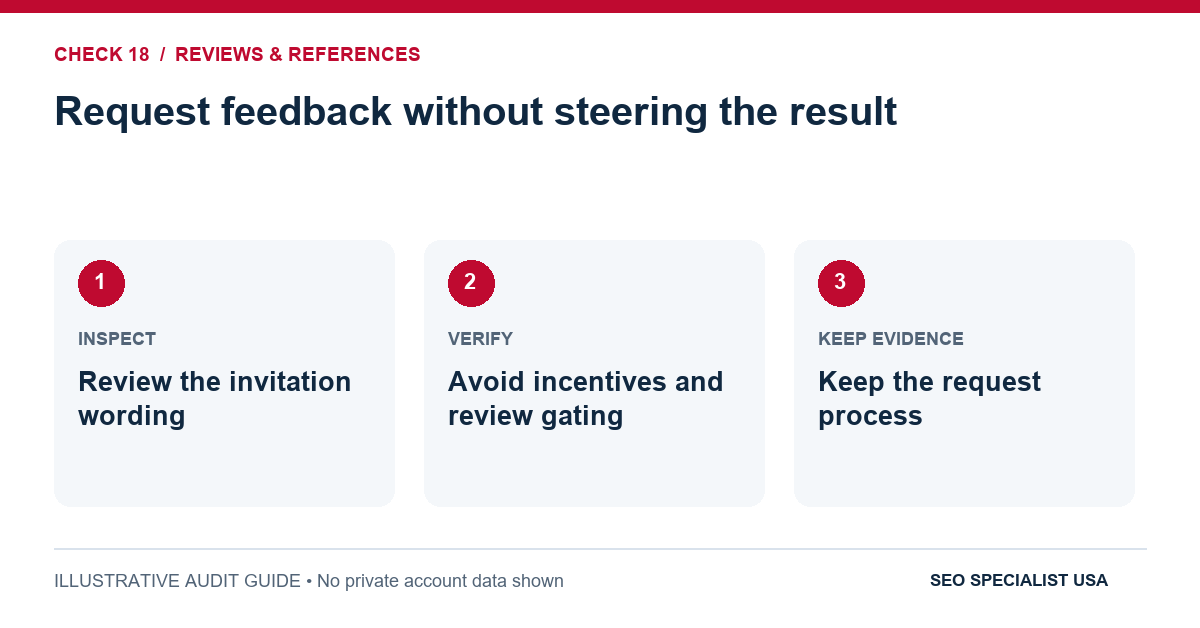
Invite genuine customers to review their experience through an ordinary link or QR code. Ask all appropriate customers consistently, not only the happiest ones. Google prohibits incentives for reviews, selective solicitation of positive reviews and pressure for particular wording.
Evidence to keep: The actual invitation text and a policy-compliant distribution process.
19. Reply constructively and protect privacy
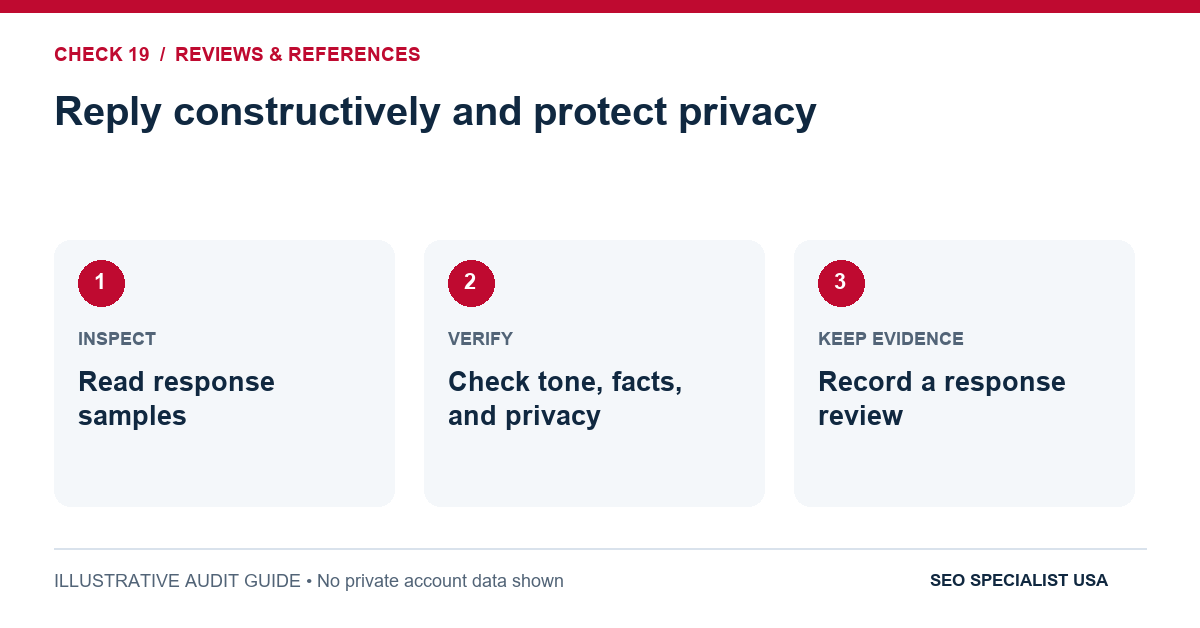
Thank reviewers for useful feedback and address legitimate problems without posting account details, phone numbers, medical information or other private facts. If a response needs personal information, move the discussion to a private channel.
Evidence to keep: A sample of recent responses checked for tone, accuracy and privacy.
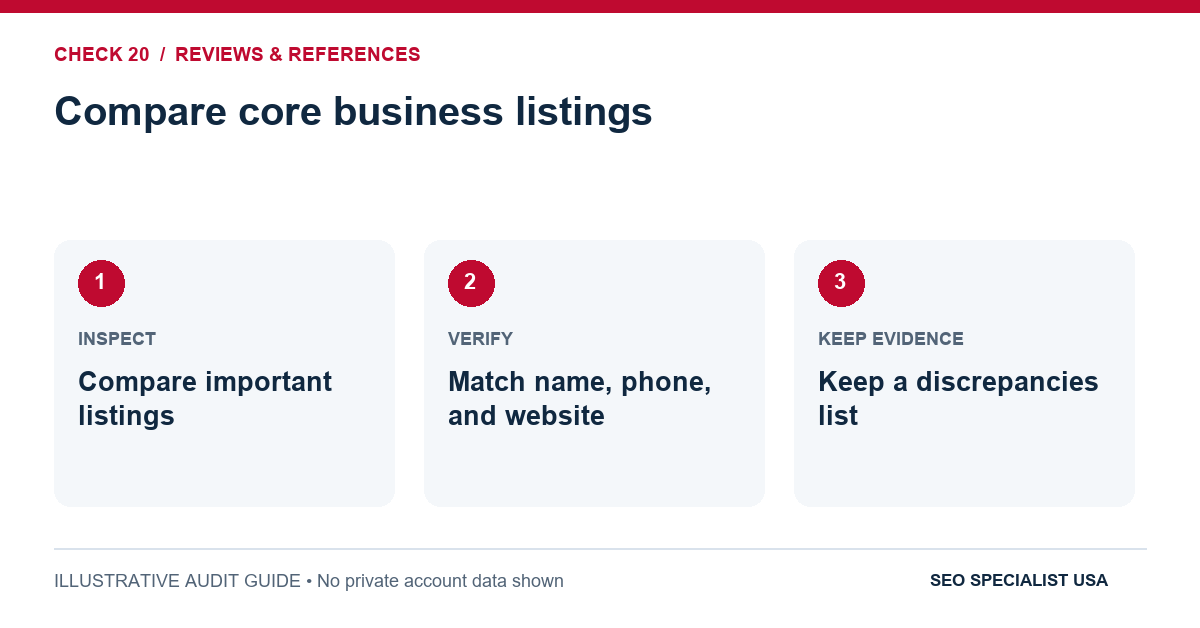
20. Compare core business listings
Review accurate information on the directories your customers plausibly use, including major mapping platforms and relevant industry associations. For a business with a public address, check the displayed name, address, phone and website. For service-area providers, respect their chosen privacy model rather than publishing a hidden address everywhere.
Evidence to keep: A list of the most important citations and any discrepancies found.
21. Resolve duplicates and outdated records
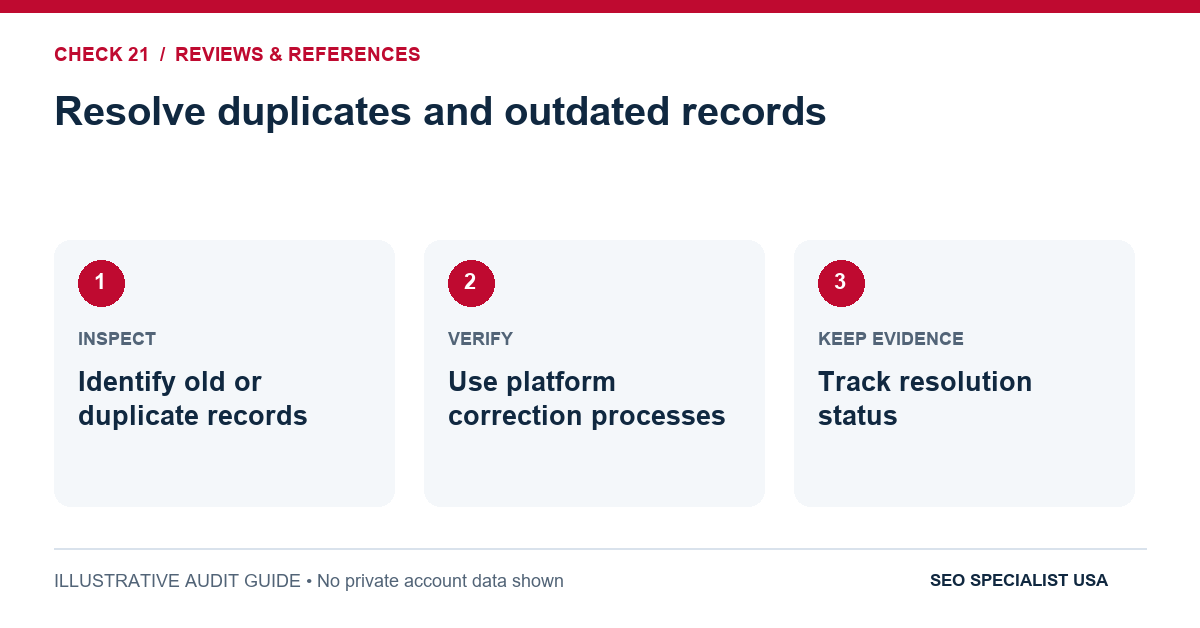
An old branch listing, former phone number or duplicate profile can confuse customers. Prioritize records that rank for the brand or regularly receive visitors; follow each platform’s ownership and correction process. More listings are not necessarily better.
Evidence to keep: Links to incorrect records, corrections requested and their resolution status.
22. Look for legitimate local references
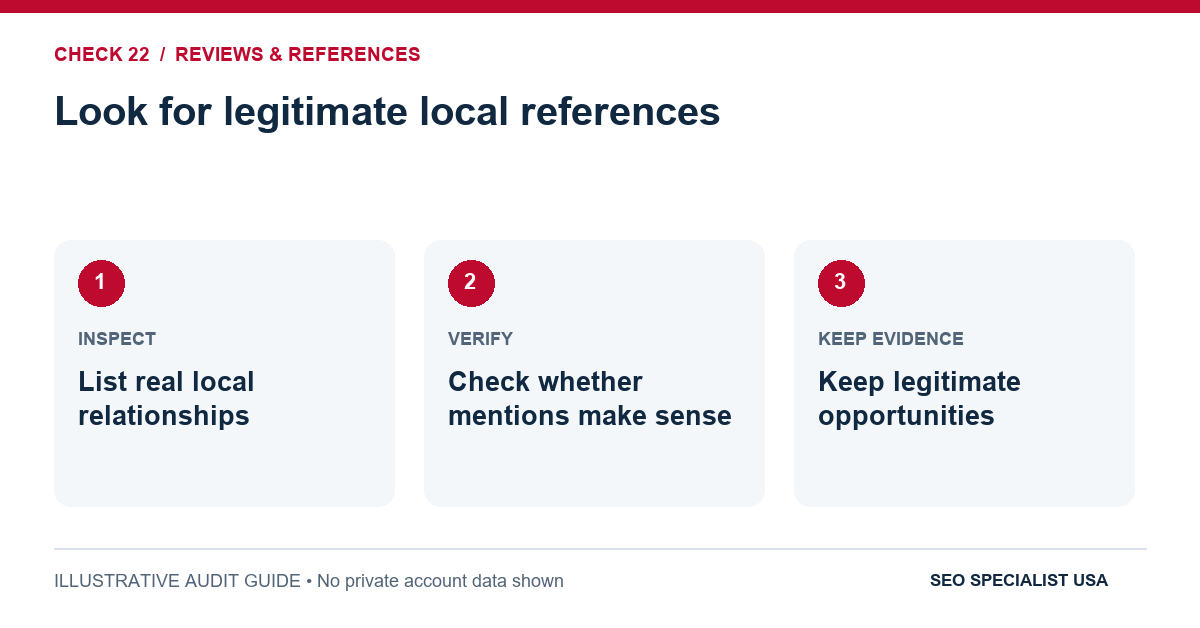
Relevant links may come from a chamber of commerce, trusted local supplier, association, charity project or news feature, when the relationship is real and the mention is editorially appropriate. The test is whether the mention would make sense even if search engines did not exist.
Evidence to keep: Actual business relationships and eligible opportunities, not a paid-links shopping list.
23. Review backlink quality rather than quantity
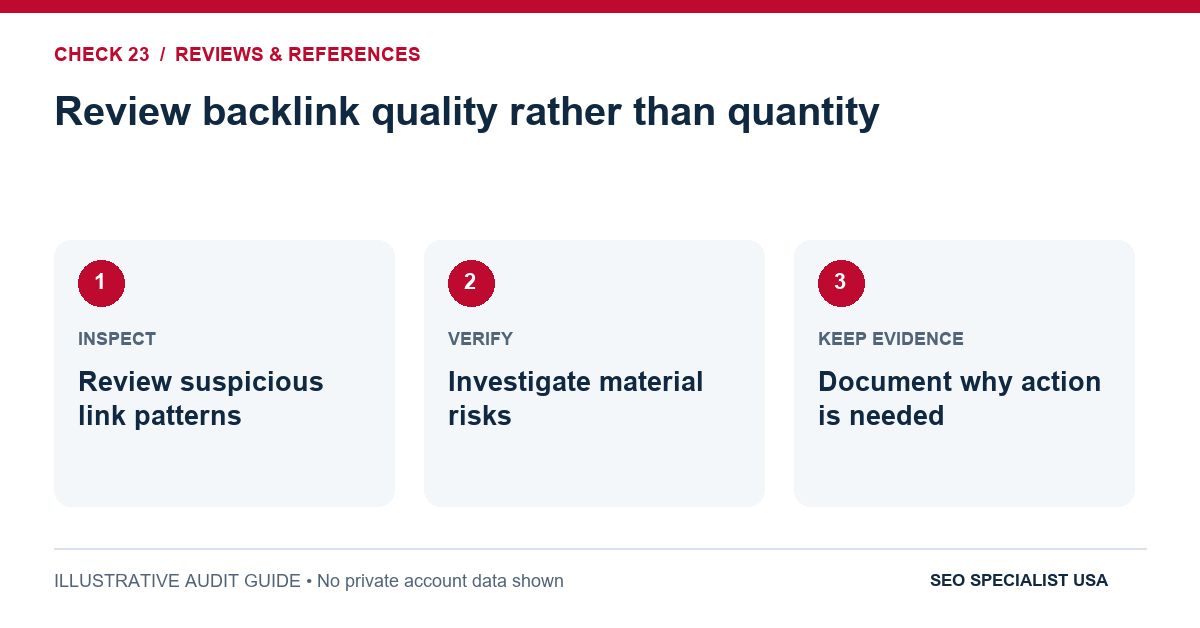
Examine suspicious patterns, irrelevant directory submissions or promises of bulk links sold on claimed authority. Google’s spam policies prohibit link schemes intended to manipulate rankings. Don’t assume every unusual backlink requires disavowing; investigate before acting.
Evidence to keep: A short summary of material link risks and the reason each finding matters.
24. Confirm evidence and claims on the site are true
Check licenses, team photos, local projects, testimonials and years-in-business claims. Where a profession requires specific credentials, ensure the wording is accurate and current. Nothing weakens trust faster than a case study or location story that cannot be substantiated.
Evidence to keep: Source records or internal approval for important claims, images and testimonials.
Google’s review and ratings policies explain prohibited incentives and selective review requests.
Part 4: Measure what local search actually produces
Local visibility changes with a searcher’s location, the exact phrase and surrounding competition. A ranking screenshot taken beside your office is useful evidence for that spot, not proof of visibility across the entire city. Good measurement combines discovery data with what happened after a customer found the business.
25. Verify Search Console access
Confirm that the correct site property is verified and accessible to the people responsible for SEO. Check important page indexing before attributing performance changes to content quality.
Evidence to keep: The active property and recent inspection records for key pages.
26. Capture a fair baseline
Export a consistent period of relevant non-branded local queries, clicks, impressions and landing-page performance. Add notes for holidays, major campaigns or site changes. Avoid interpreting a small week-over-week shift as a strategy breakthrough.
Evidence to keep: A dated baseline with a clearly defined comparison window and selected queries.
27. Review Business Profile performance carefully
Use currently available Business Profile metrics such as call-button clicks, direction requests and website clicks. These reflect actions in the product, not necessarily completed telephone conversations, store visits or sales. Availability can vary by business type and interface. Performance data can include interactions from organic results and Google Ads, so do not describe the whole report as organic SEO results.
Evidence to keep: A dated export or screenshot and the definitions used in the report.
28. Test conversion measurement
Set up and test enquiry forms, appointment confirmations and suitable call measurement. Agree whether a submitted form, a valid enquiry or an actual booking counts as the main outcome. Remove test enquiries from reporting where practical.
Evidence to keep: A successful test conversion and an agreed business definition of a lead.
29. Make attribution links consistent
When using tracking parameters on website links, check the landing URL works and is not redirected to the wrong page. Track campaign attribution without creating a separate indexable URL for every tag combination.
Evidence to keep: A live click test and a consistent UTM naming convention.
30. Ask the sales team what leads are worth
Ten phone taps are not ten customers. Reception or sales staff can identify spam enquiries, wrong-service calls and requests outside the coverage area. Feed that insight back into service descriptions, targeting and page content.
Evidence to keep: A simple monthly qualified-lead summary that respects privacy and retention rules.
31. Compare local visibility from consistent places
If using a local rank grid or manual checks, repeat searches from comparable areas and devices. Note personalization and ordinary result variability. Focus on directional changes, not one precise ranking that could change across the street.
Evidence to keep: A repeatable list of queries, coordinates or neighborhoods, and measurement dates.
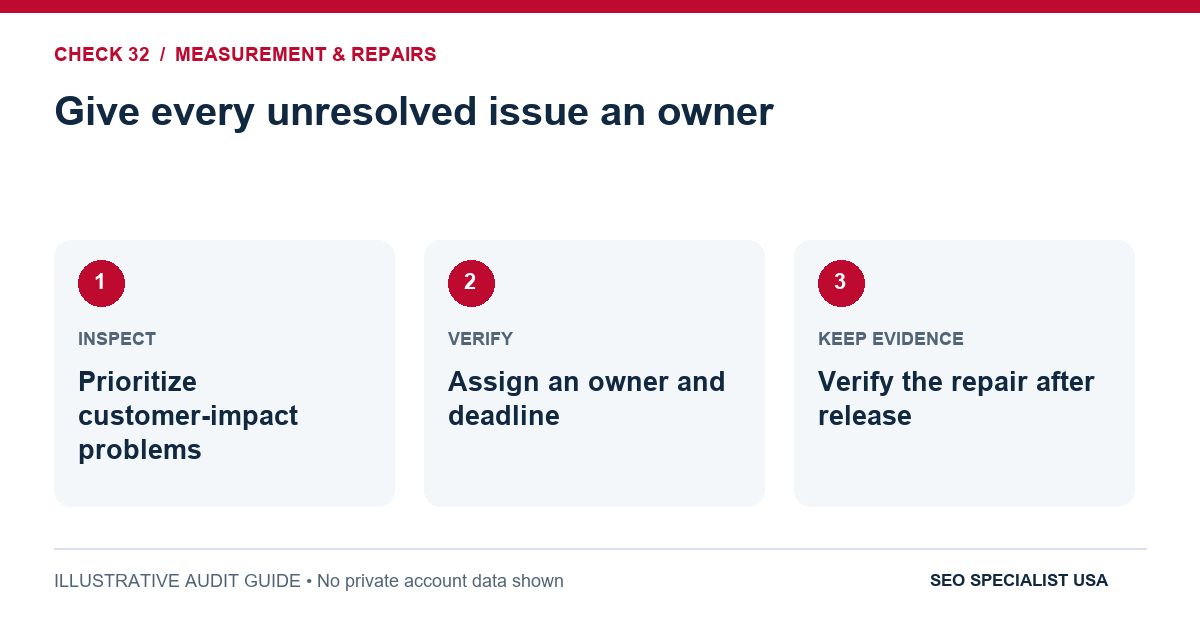
32. Give every unresolved issue an owner
A long audit is wasted if no one is responsible for changes. Separate immediate customer-impact problems from medium-term content or authority work. Confirm that completed fixes actually work after publication.
Evidence to keep: An issue log with priority, owner, deadline, evidence and a verified closure date.
Google documents the meaning of Business Profile performance metrics. Reports should distinguish click actions from completed customer outcomes.
A worked example: fixing the wrong problem first
Consider a hypothetical appliance repair company operating in one city. Its monthly report shows 1,500 organic visits, but only 30 tracked enquiry forms. That is a 2% visit-to-form rate. During our 32-point check, the team discovers two issues: the profile points to an outdated appointment URL, and the current booking form doesn’t submit reliably on mobile.
The first fix is not a new city page. Repair the booking path, run a test from the live profile and confirm submitted enquiries reach the business. Suppose the next comparable month brings 1,400 visits and 42 forms. The form rate is now 3%. That is a 50% relative increase in the rate, even though traffic is lower. This calculation is illustrative, not a measured SEO Specialist USA client result. Other changes might also have influenced conversions.
The lesson is to connect audit findings to what the customer needs to do. Visibility creates an opportunity; a working customer journey makes that opportunity usable.
Which local SEO issues should you fix first?
- Urgent: Wrong phone, false address, ineligible profile, broken enquiry route — Customers can be misled or lost immediately
- High: Unindexed primary service page, incorrect hours, misleading service coverage — Important services or visits may be missed
- Medium: Thin location content, unclear internal links, outdated citations — Reduces clarity and discoverability
- Maintain: Photo updates, routine review replies, periodic reporting review — Keeps an accurate presence over time
Don’t assign a universal ranking value to each category. Priorities change with the business. Incorrect holiday opening hours may be urgent for a restaurant before a public holiday but less consequential for a company that works strictly by appointment.
3 mistakes that make local SEO checklists less useful
Confusing more content with better coverage
A business with one office doesn’t necessarily need dozens of near-identical city pages. Each page should address a real customer need and contain honest local information. Google identifies doorway pages and large volumes of unhelpful content as spam risks. Publish fewer stronger pages when the alternative adds no new answer.
Treating map positions as the only outcome
Rankings can help diagnose visibility. They don’t tell you whether a customer reached the right branch, booked an appointment or bought anything. Keep enquiry quality in the reporting conversation, especially when search demand changes with seasonality.
Calling an unchecked item “complete”
“We have schema” is not a test. Confirm structured data matches visible business details and passes validation where relevant. Google supports LocalBusiness markup for eligible information, but structured data doesn’t guarantee a special search result or higher Maps placement.
See Google’s LocalBusiness structured-data guidance and its spam policies for the original requirements.
When should you bring in local SEO help?
Business owners can complete many of these checks without specialist software. Professional help becomes useful when several locations disagree across platforms, a migration has affected important pages, technical indexing problems persist or the team cannot turn findings into completed repairs. Before hiring, ask for a sample issue log that shows the problem, supporting evidence, priority and implementation owner. That is more informative than an impressive-looking ranking guarantee.
If the audit reveals work your team cannot complete, explore local SEO services at SEO Specialist USA or compare what is included in local SEO packages. Start with a defined scope rather than buying deliverables you may not need.
Need a second set of eyes on your local presence?
Discuss your website, genuine operating locations, and the customer enquiries you want to improve.
Frequently asked questions
What is a local SEO checklist?
It is a structured review of the information and website experiences that help nearby people find and contact a business. It normally covers Business Profile accuracy, service and location pages, reviews, citations, technical accessibility and measurement of actual enquiries.
What should I check first for local SEO?
Start with Business Profile eligibility, accurate contact information and a working route to enquiries. If the address is misleading or the phone number fails, adding keywords or creating new pages will not solve the most immediate customer problem.
How often should I run a local SEO audit?
Check hours, contact details and other operational information whenever they change. A monthly light review and a deeper quarterly audit are reasonable working rhythms, but multi-location businesses or frequently changing websites may require more frequent checks.
Do Google reviews help local SEO?
Google says review volume and positive ratings can help local prominence. Reviews also influence customer decisions, but no particular review count guarantees rankings. Request feedback from genuine customers without incentives, selective solicitation or pressure to leave a positive rating.
Do I need a separate page for every town I serve?
No. Create a page when it supplies distinct, useful information about a genuine branch or service-area need. A collection of copied city pages with only place names changed can frustrate readers and introduce doorway-content risks.
Can I rank locally without a physical storefront?
Some service-area businesses are eligible for a Business Profile when they visit customers in person. They should follow Google’s address and service-area rules. A purely online business should not invent a local office just to appear in the map results.
How do I know if local SEO is working?
Compare relevant search queries, profile interactions, qualified calls, forms and confirmed bookings over sensible periods. Check tracking first and ask staff about enquiry quality. A rising rank without more suitable customer enquiries may not meet the business goal.
Is LocalBusiness schema required to rank on Google Maps?
No. Accurate structured data can help describe business details on a website and may support eligible Search features, but it is not a prerequisite or guarantee for local map rankings. Business Profile accuracy and customer experience remain important.
Final audit: turn findings into completed repairs
Start by marking the checks you can verify today. Resolve anything that sends customers to the wrong number, falsely suggests a physical storefront or prevents an enquiry. Then improve high-intent pages, clean inaccurate references and measure the outcome. Return to the checklist after changes go live: “fixed in WordPress” and “works for a customer” are not always the same thing.
A useful audit leaves your team with fewer assumptions, clearer ownership and a business that is easier to understand. That is a better result than simply collecting 32 ticks.